Sharp stars.
Sharp ground.
NightScape Lab is a desktop app for macOS, Windows & Linux that turns a night of RAW frames into clean base images.
Available now. $129, one time.

- FramesThe Frames tab, beside Process.
- ProcessDevelop settings for the base image. Sky White Balance is the first.
- MaskingPreview Sky Mask shows the sky and ground split. You can paint it.
- Stack FramesRun the stack. The result opens as a new base image.
The sky moves. The ground doesn't.
Align twenty frames on the stars and the trees smear. Align on the trees and the stars trail.
NightScape Lab masks the sky and the ground, aligns each on its own terms, and gives you one clean base image. I made the mask visible and editable because the horizon is where automatic tools sometimes get it wrong. Stacking real frames is how it deals with noise. Here is why stacking matters.
Frames and Process
In the order a night usually goes, from card to finished file.

Frames
Your library. Import a night, sort lights from darks, choose what goes in.

Process
Develop RAWs into color-managed base images you keep editing.
Stacking is only the start
Most nightscape edits mean paying for a stacker, a star removal plugin and a star trails app, and then doing a lot of work in Photoshop. NightScape Lab does all of it in one app, starting from your RAW files.
 One frame 25-frame stack
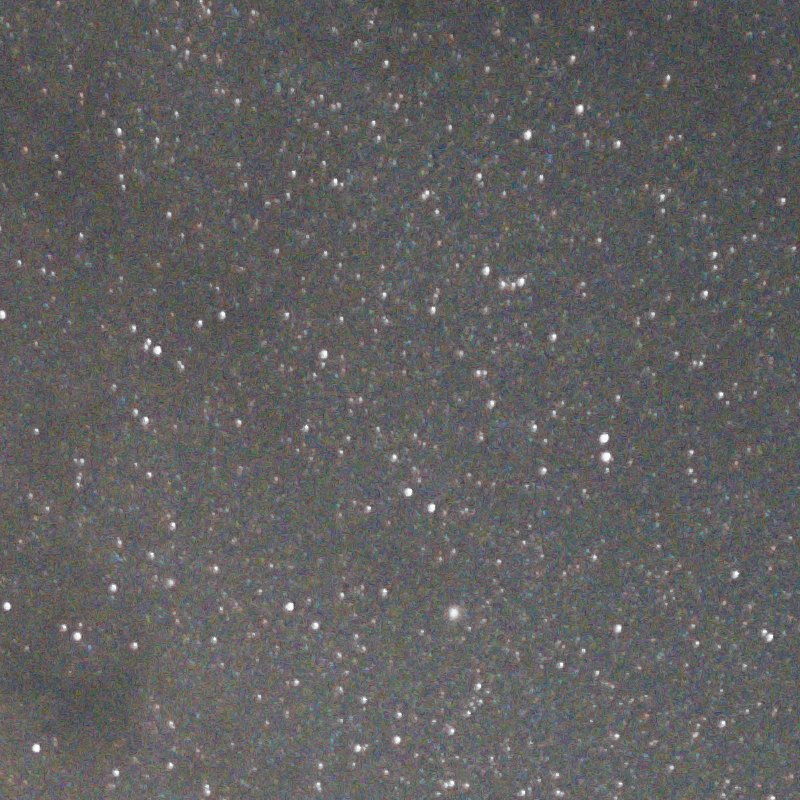
Stack Frames
It aligns the sky on the stars and holds the ground still, then stacks your base images. Satellite and plane trails come out along the way.
 As shot Sky White Balance
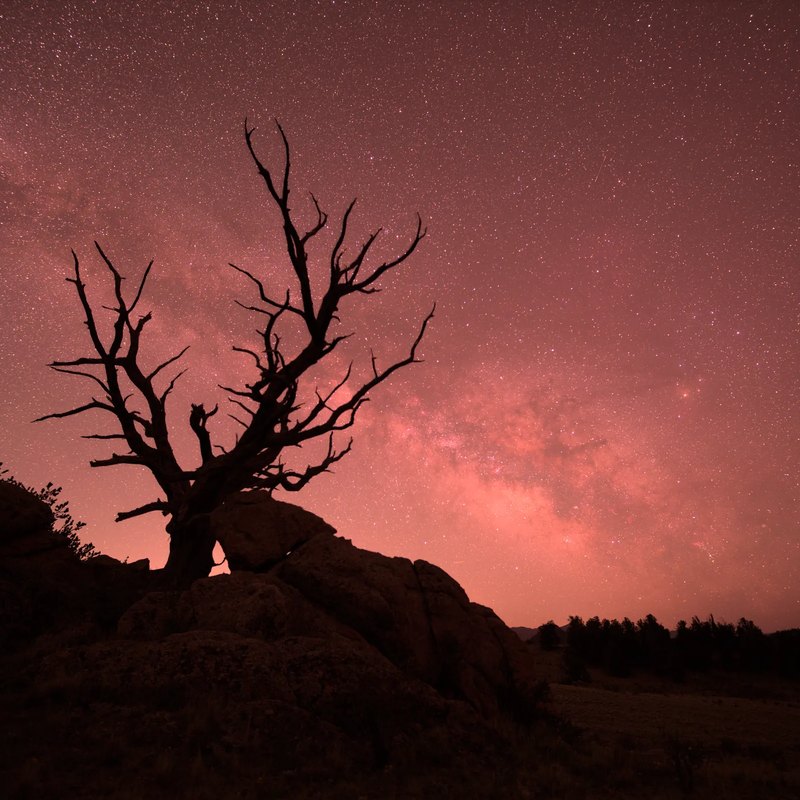
Sky White Balance
It measures the sky only, with the sky mask, and sets Basic's White Balance to Auto. Temp and Tint fine-tune it. It doesn't make new pixels.
 With stars Starless
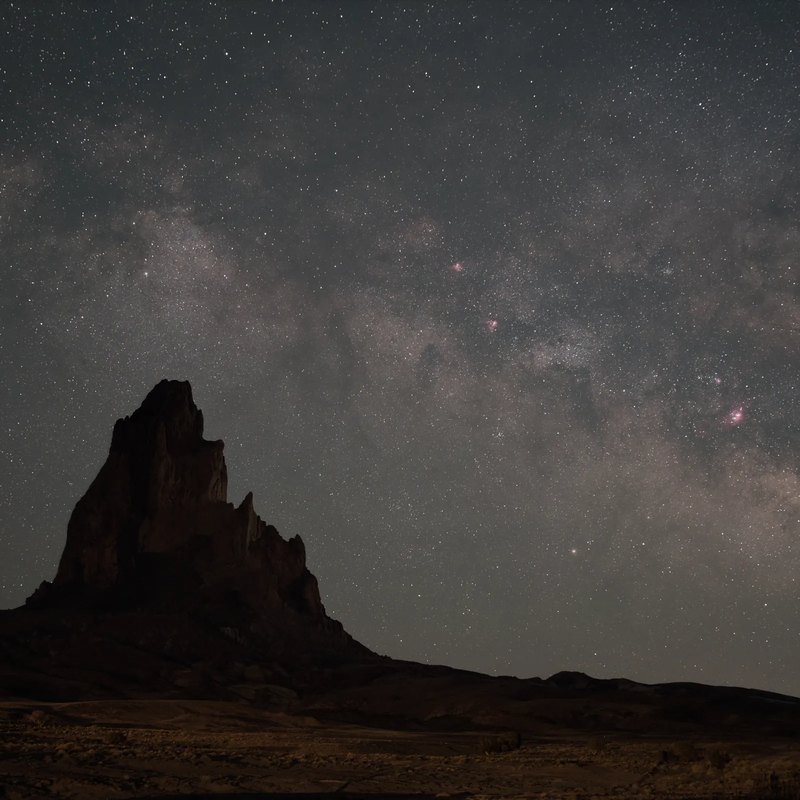
Stars
Remove takes the stars out, and the Star Map puts them back. Reduce shrinks stars up to a size you set, and bigger stars are left alone. Dim turns every star down by the same share.
 Before After
Round Stars
Wide lenses stretch stars toward the edges and corners. It finds the ones that point out from the center and makes them round again, at their own color and brightness. Stars that are already round are left alone.
 Before After
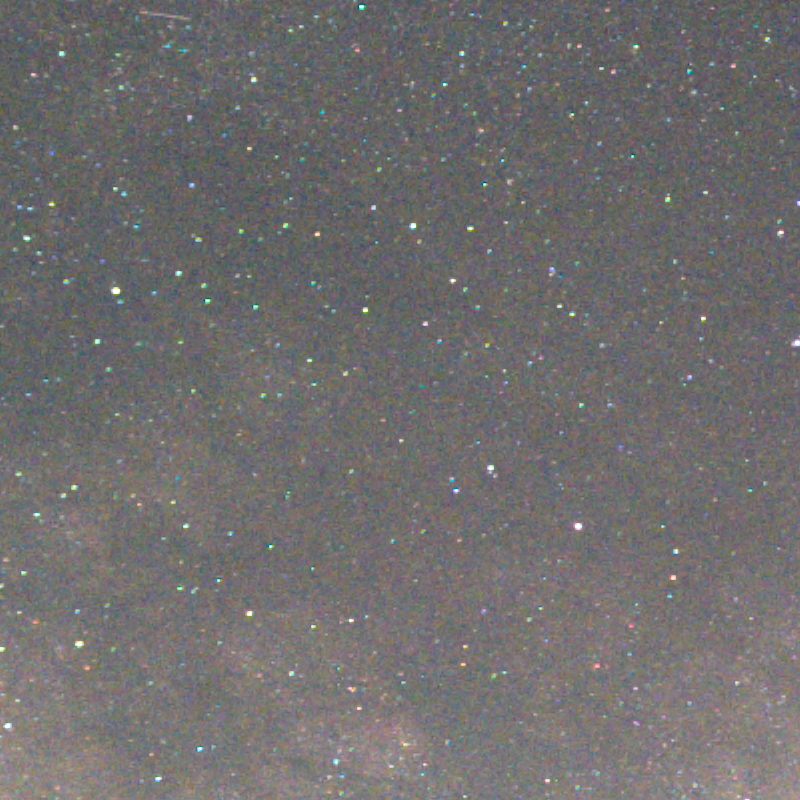
Denoise
Star-safe. It separates the stars, denoises the sky, and puts them back.
 Before After
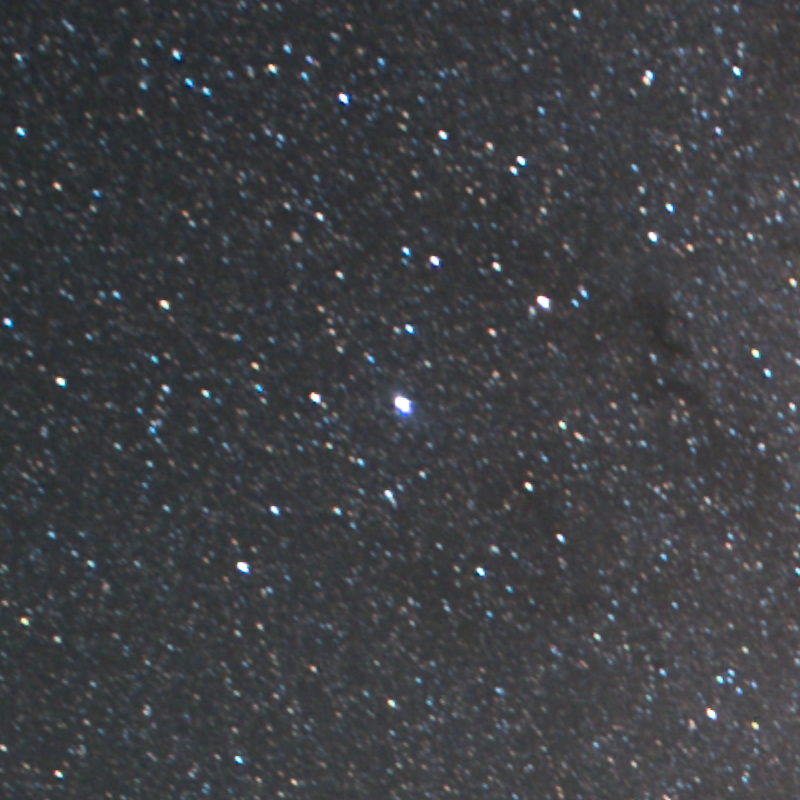
Star Glow
Click a bright star for a soft glow in its own color.
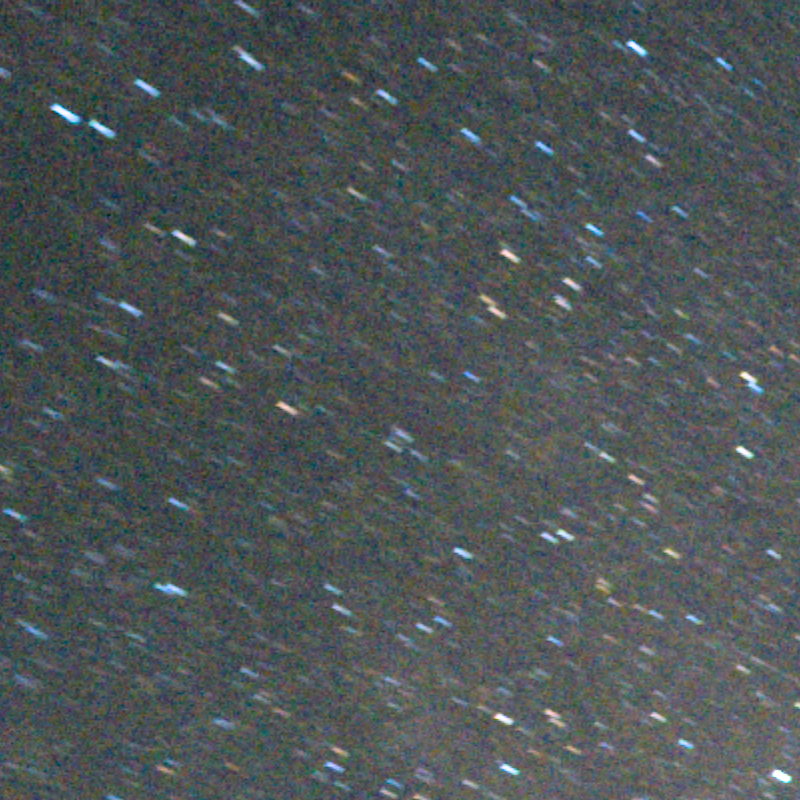
 One frame 176 frames
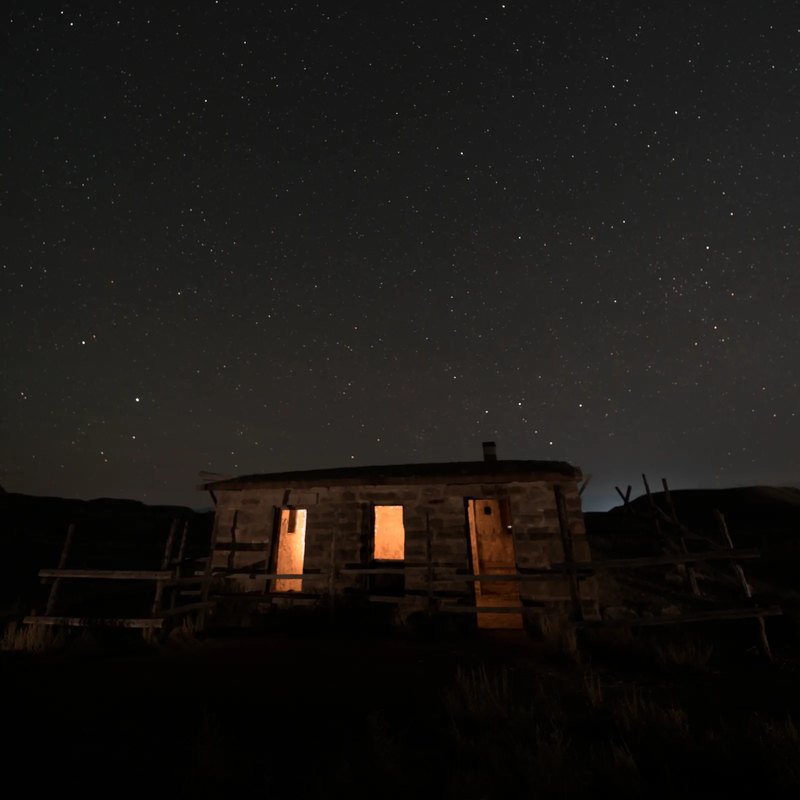
Star Trails
There are five looks: Solid, Comet, Meteor, Fade and Vortex. It can remove plane and satellite streaks and fill gaps between frames.
 Dark foreground Merged
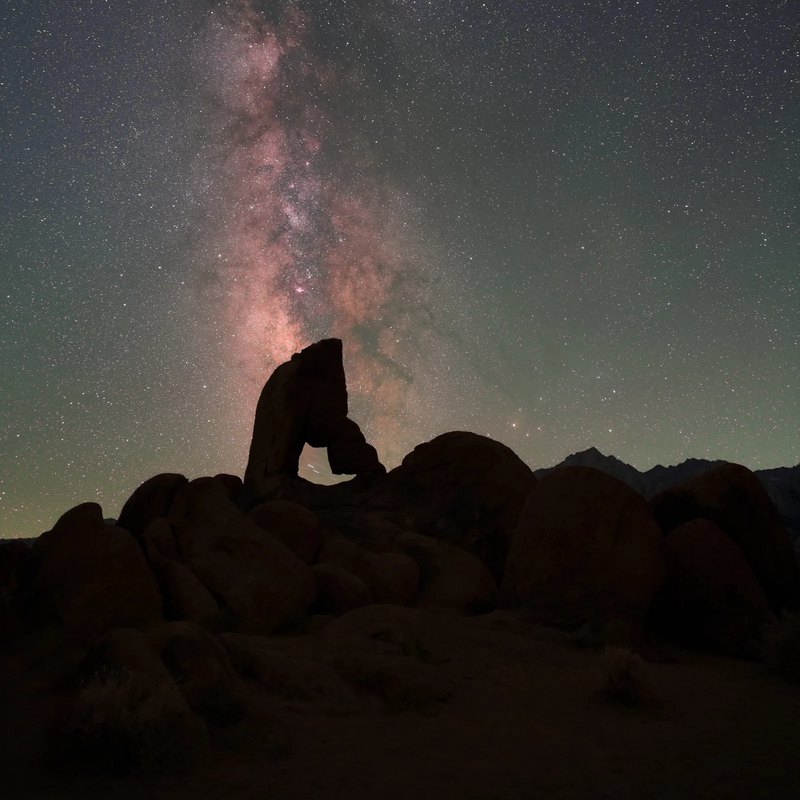
Foreground Sky Merge
It blends a foreground shot with a sky shot, from the same tripod position or a different one, and matches the color across the horizon.
 Three panels Stitched
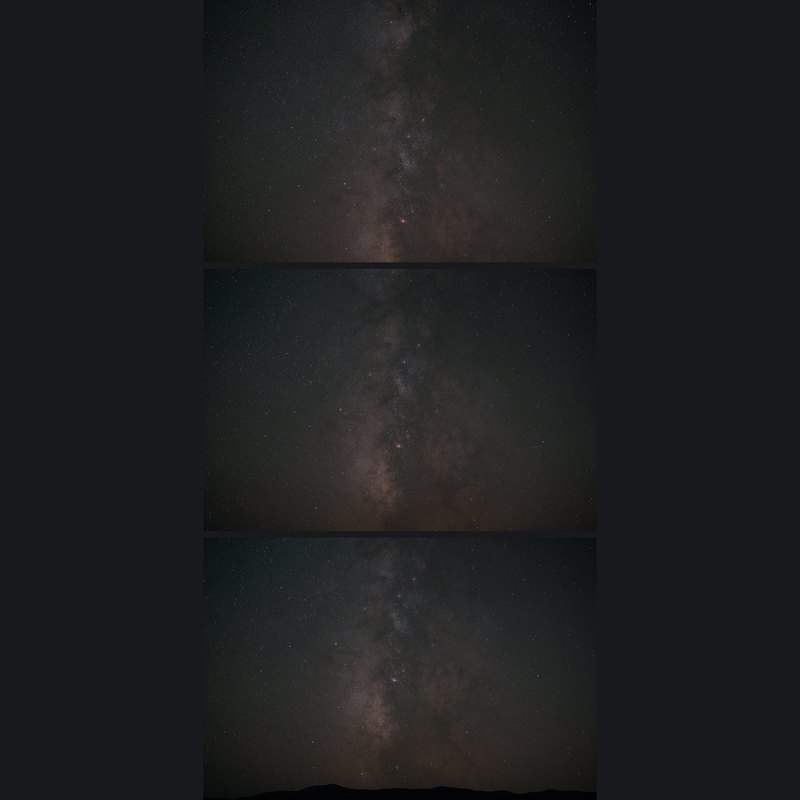
Panorama
It stacks each panel, lines them up on the stars and stitches the result.


Also in the NightScape group: Defringe & SCNR takes off purple and green fringes around stars, a green or blue cast, and over-colored stars. See it on my photos
Spec sheet
What the app includes.
| Platforms | macOS (Apple Silicon), Windows 64-bit, Linux x86_64 |
|---|---|
| Cameras | RAW from most cameras, including CR2, CR3, NEF, ARW, RAF, ORF, RW2, PEF, SRW and DNG |
| Other input | TIFF, JPEG and PNG frames, stacked separately from RAW |
| Frames | Lights and darks, sorted automatically. At least two lights; darks optional |
| Output | Base images as 16-bit linear ProPhoto TIFF, plus JPEG, TIFF or PNG export in sRGB, Display P3, Adobe RGB or ProPhoto |
| Processing | On your own machine. Images never upload |
| Internet | Needed to activate a license key, then at least every 14 days |
| Lightroom Classic | Plugin on macOS & Windows. Sends catalog frames to the app for stacking and imports the stacked base image back. Part of the $129 license. |
| Status | Available now |